How to Use Magic Studio: The Interactive Guide
The Magic Studio manual you play instead of read — every element live, every recipe demonstrated.
Learn Magic Studio by playing it. Fifty cards walk you through every element type (all live and tappable), card design, activity recipes, template decks, sharing by PIN, and what gets tracked — built by the SpeechTherapyMagic team. Play it before you build your first deck, or hand the PIN to a colleague.
Free to play with a free account — sign up in under a minute
Already have an account? Sign inAbout This Deck
Magic Studio is SpeechTherapyMagic's card-deck builder for speech-language pathologists, teachers and parents. Rather than a written manual, this deck teaches it by example: forty-nine cards, each built with one of the Studio's elements, so you can see exactly how a flashcard, a multiple-choice quiz, a fill-in-the-blank, a sort, a matching card, a story sequence, a spinner or a recording card behaves for the child before you build one yourself.
Later sections cover card design (themes, borders, patterns, fonts), the activity recipes the team uses for fast deck building, template decks that fill themselves from a word list, sharing a deck by PIN code, and what the app tracks when a child plays.
What’s Inside How to Use Magic Studio: The Interactive Guide
50 cards in play order: 5 picture quizzes, 2 spelling cards, 2 multiple choice questions, 1 picture choice question, 1 flip card, 1 spinner, 1 dice roll, 2 say-the-word flashcards, 1 recording prompt, 1 scored say-it card, 1 matching activity, 2 sequencing activities, 2 sorting activities, 1 wh- question, 2 social scenes, 1 syllable counter, 1 timed challenge, 1 caption-the-picture card, 2 picture flashcards, 20 title and instruction cards.
- 5picture quizzes
- 2spelling cards
- 2multiple choice questions
- 1picture choice question
- 1flip card
- 1spinner
- 1dice roll
- 2say-the-word flashcards
- 1recording prompt
- 1scored say-it card
- 1matching activity
- 2sequencing activities
- 2sorting activities
- 1wh- question
- 2social scenes
- 1syllable counter
- 1timed challenge
- 1caption-the-picture card
- 2picture flashcards
- 20title and instruction cards
Words pictured in this deck





Skills Practiced
- Building decks in Magic Studio
- Every card element type
- Card design and themes
- Template (smart-content) decks
- Sharing by PIN
- Reading play analytics
Is How to Use Magic Studio: The Interactive Guide Right for Us?
Best for: New Magic Studio users; SLPs and teachers evaluating the platform; anyone who wants to see every card type in one place.
| Sounds | Not sound-specific |
|---|---|
| Category | Language |
| Grades | All grades |
| Cards | 50 cards |
| Time | About 15 min |
| Plan | Free with an account |
| Made by | SpeechTherapyMagic |
| Format | Interactive cards — runs in any browser, nothing to install |
How to Use It
Play it through once from start to finish before you open Magic Studio — it takes about fifteen minutes. Then keep it saved in your library and jump to the section you need when you are building a specific kind of card.
If you are onboarding a colleague, give them the PIN 424242: it never expires and works without an account.
How to Play
- 1Create a free account (or sign in) and add the deck to your library from the marketplace.
- 2Open it from My Library on a tablet, phone or laptop — or share a PIN so a student can play at speechtherapymagic.com/go without logging in.
- 3Tap through the cards. Question cards are scored automatically and a summary shows at the end of every play.
Questions About How to Use Magic Studio: The Interactive Guide
Do I need an account to play it?
No. Go to speechtherapymagic.com/go and enter PIN 424242. You need a free account to build decks of your own.
Is it a real therapy deck?
No, it is a tutorial. Every card is a working example, but the content is about the Studio itself, not a speech target.
How current is it?
The team updates it whenever an element changes; the version you play is always the latest.
Free to play with a free account — sign up in under a minute
Already have an account? Sign inRelated Decks
Matched on the sound and category this deck targets, so the next one keeps working on the same goal.
 FreeOfficial
WH-Questions: Who, What, Where
Who helps you when you are sick? Where do fish swim? Sixteen cards that make WH-questions click.
 FreeOfficial
Feelings & Social Scenes
Eight everyday moments, eight feelings to name — and the words to say next.
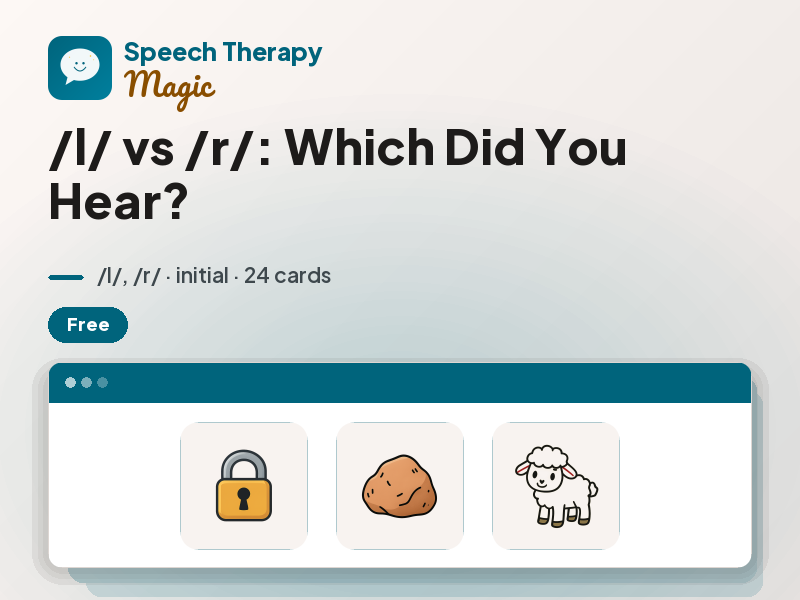 FreeOfficial
/l/ vs /r/: Which Did You Hear?
Lock or rock? Lamb or ram? Twenty-four cards that teach ears and mouths to tell /l/ from /r/.
Ready to Play How to Use Magic Studio: The Interactive Guide?
Create a free account to add this deck to your library, track progress, and build decks of your own in Magic Studio.
Get Started Free