Running a Mixed Group
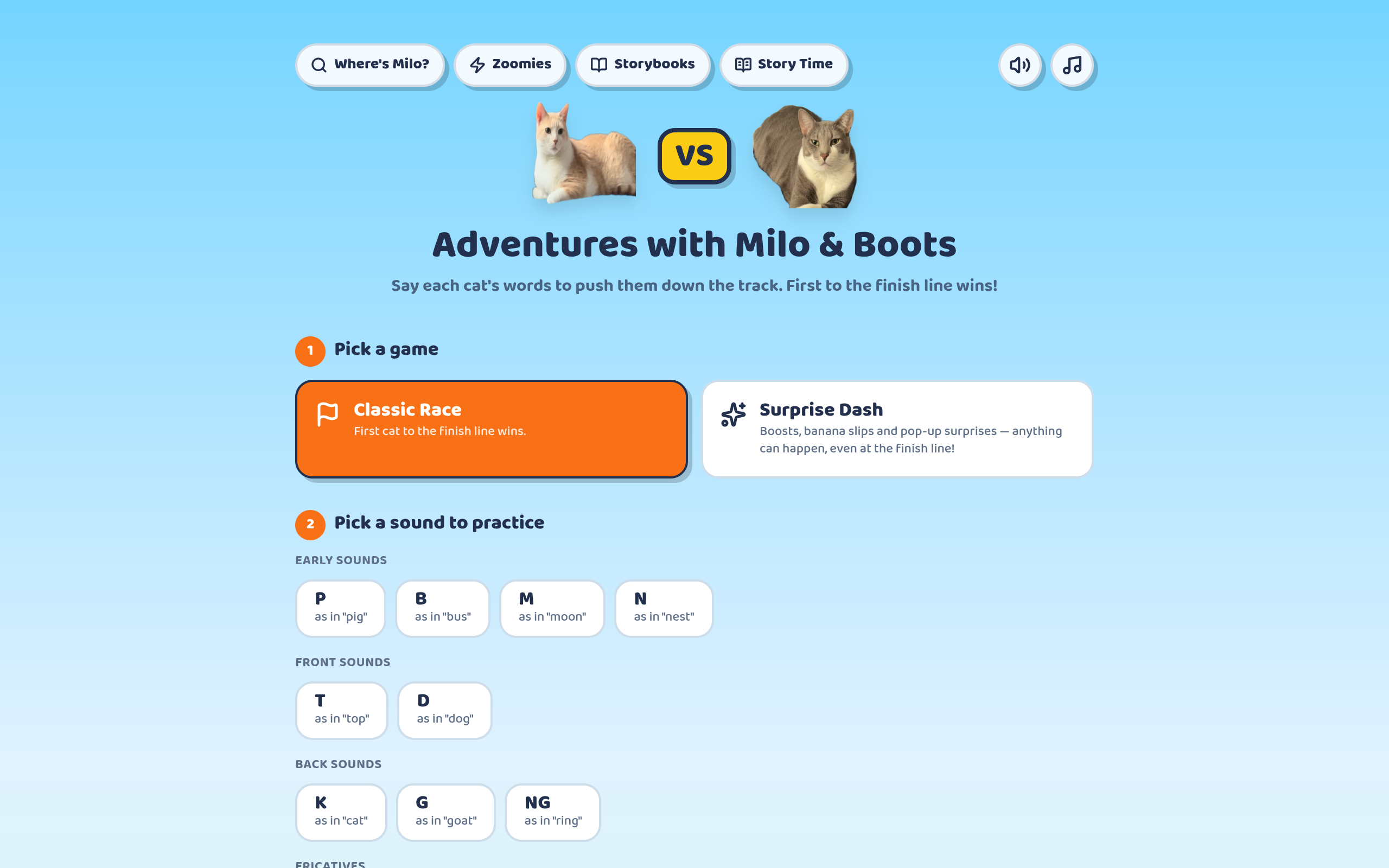
The defining constraint of school-based practice is that the group rarely shares a goal. A typical block might hold one student on R, one on vocabulary, and one on social communication, all scheduled together because that is when they could all be pulled.
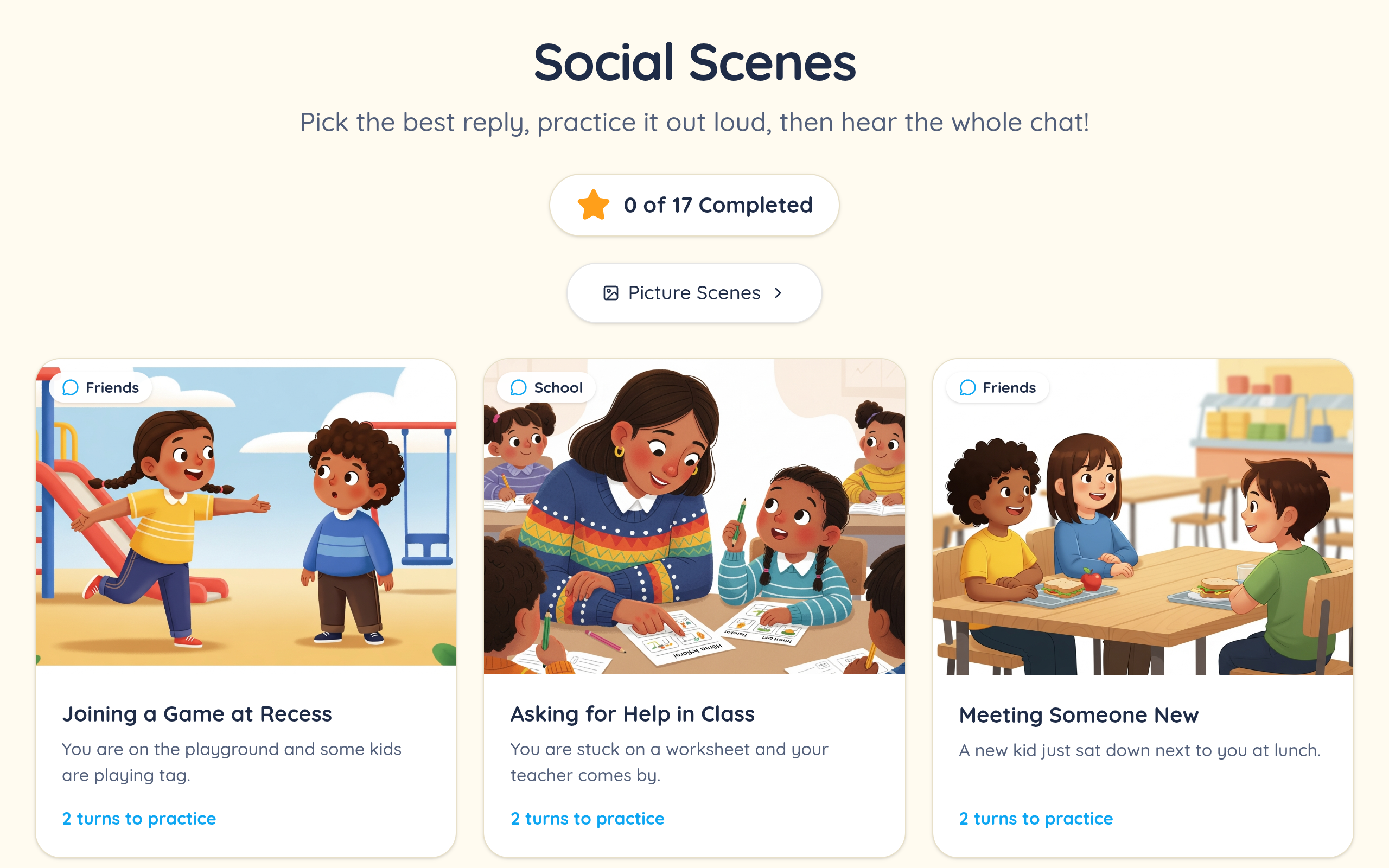
Turn-taking around a single shared screen handles this better than it sounds, because the students who are not taking a turn are not idle — they are listening, judging, and predicting, which is genuine practice for comprehension and social goals. Asking the group to agree or disagree with an answer before it is confirmed turns a one-player game into a whole-group activity.
It also solves the awkward part of mixed groups: every student gets airtime on something relevant, rather than three students watching one student do their articulation drill.
No Prep, No Printing, No Consumables
A digital activity has no print budget, no laminator queue, and no set of cards to reassemble after a group has been through it. For a caseload of forty-plus students across several buildings, that is not a convenience — it is the difference between varied material and the same deck all year.
It also travels. An itinerant clinician working across three schools carries a login rather than a crate, and the activity is identical in every room.
Because nothing is consumed, there is no reason to ration. Using a fresh activity costs the same as reusing a tired one, which quietly improves what students get.
Fitting School Technology
Everything runs in a browser with no install and no admin rights, which is what usually determines whether a tool can be used in a district at all. Managed Chromebooks, locked-down laptops, and smartboards all handle a browser tab.
If your district filters by domain, speechtherapymagic.com needs to be permitted — worth checking before you plan a session around it. Children never create their own accounts: the adult holds the account and controls the data, which is generally what a district's privacy review is asking about.
For schools looking at this formally, our schools page covers site licensing and the data protection questions, and we publish a DPA and subprocessor list.