Works on the Device You Already Have
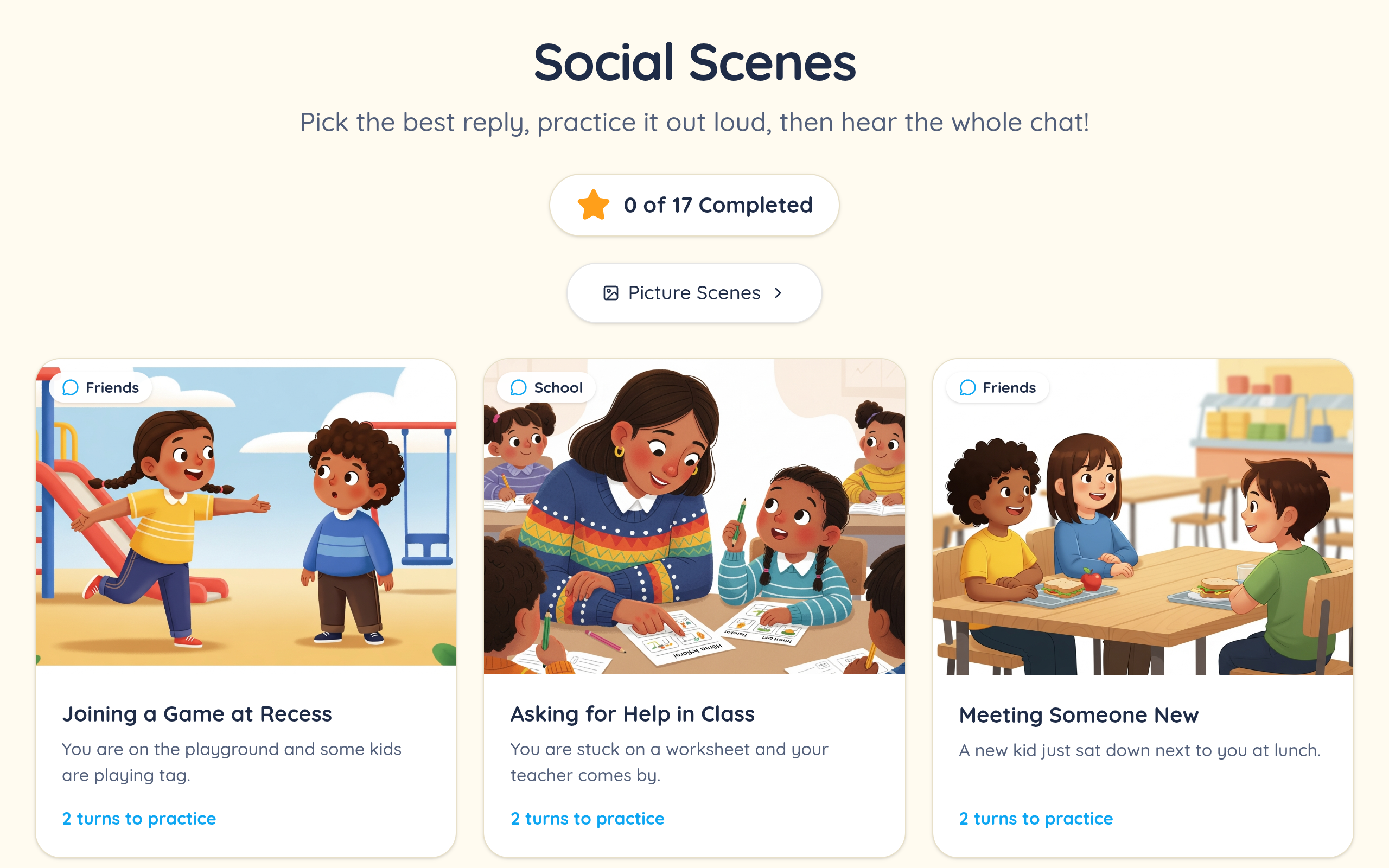
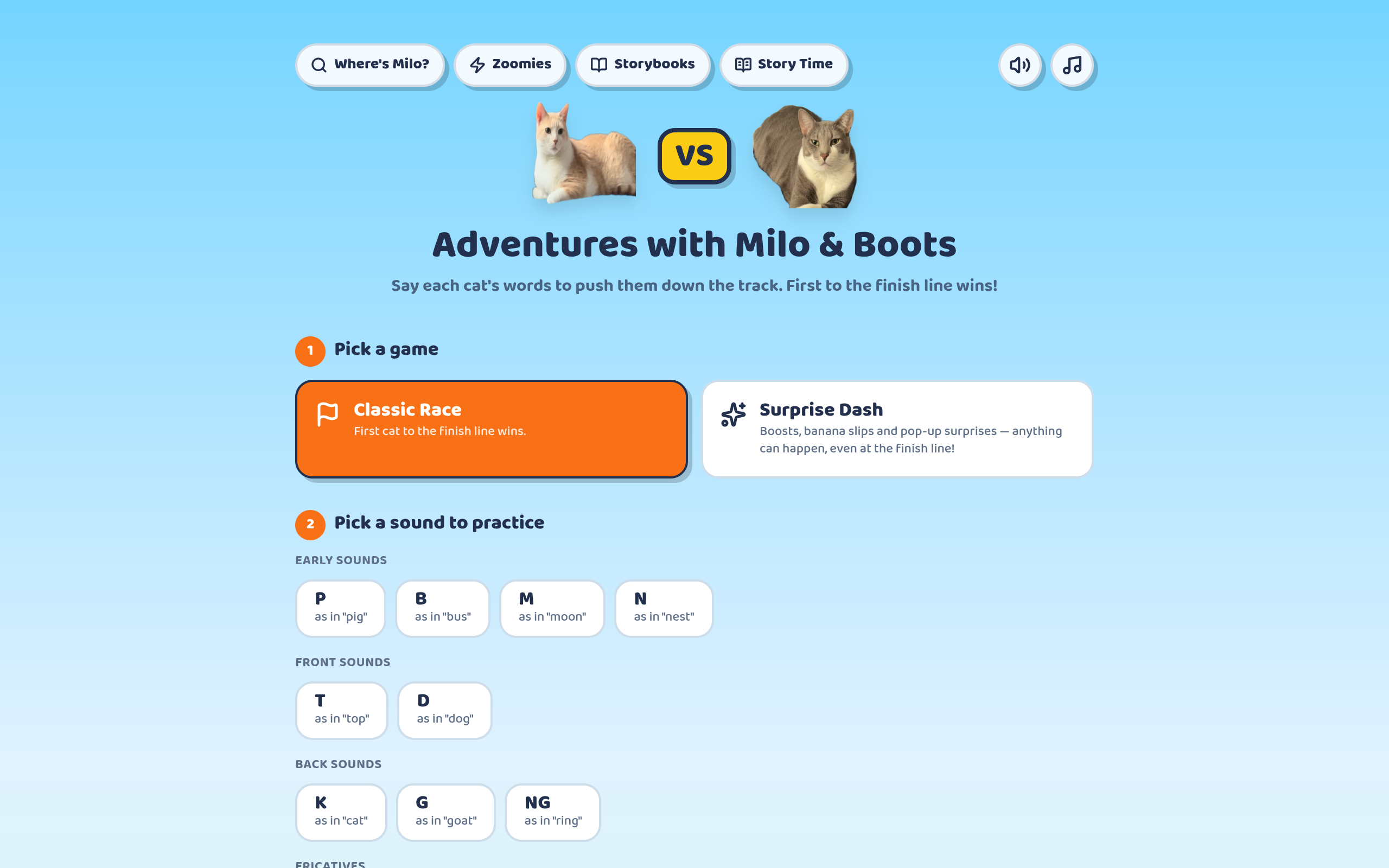
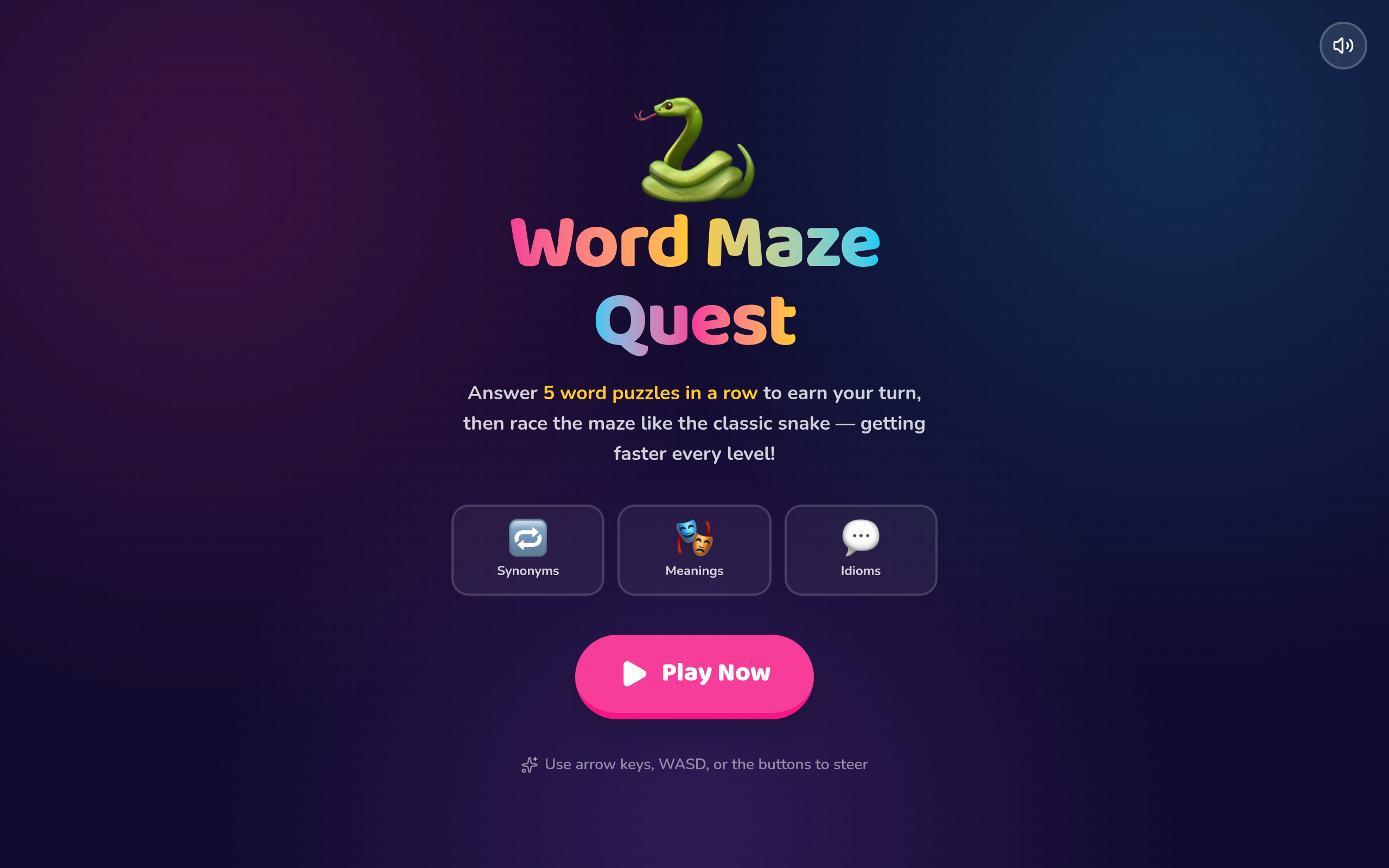
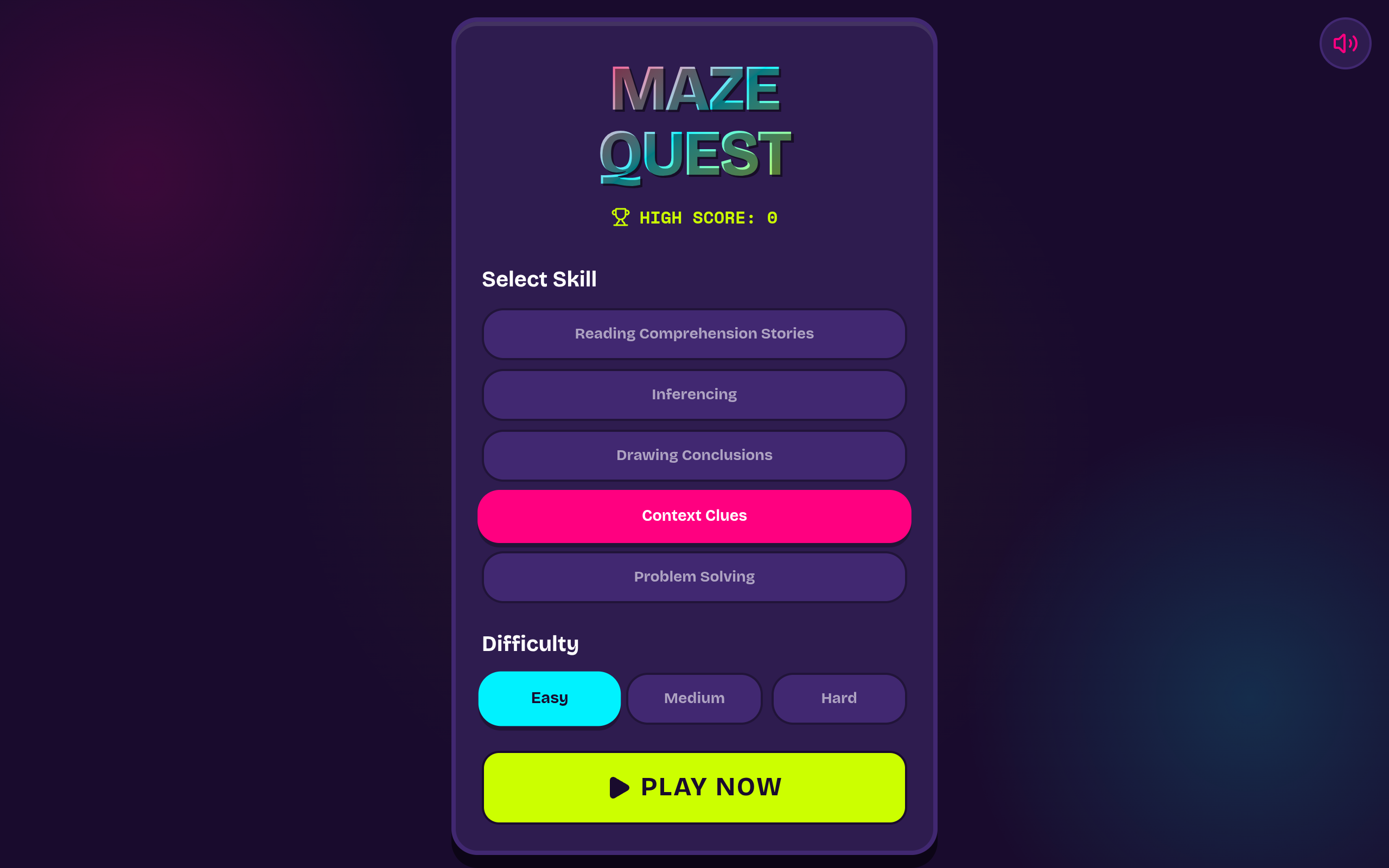
These games are built for touch first, so they work the same on an iPad, an Android tablet, a phone, a Chromebook, or a laptop. There is no separate mobile app, which also means there is no app-store approval sitting between us and a fix — when we improve a game, everyone has the improved version on their next visit.
For schools, browser-based delivery is usually the difference between "we can use this" and "IT will not install it." Nothing needs admin rights, and a managed Chromebook running a locked-down profile can open a game the same as any other device.
The practical limits are ordinary ones: a modern browser and an internet connection. A microphone is only needed for the activities that record or score speech, and the built-in mic on a phone or laptop is fine.
No Printing, No Laminating, No Prep
The traditional speech therapy material is a printable — a PDF of cards you print, cut, laminate, and then lose. It works, but the setup cost is paid by the clinician, every week, out of unpaid time.
Digital activities remove that cost entirely. There is nothing to prepare before a session and nothing to tidy afterwards, which is why a browser game can be pulled up in the ninety seconds between two students in a way a printed deck cannot.
It also removes the reason therapy materials get reused past their usefulness. When a new activity costs nothing to start, you pick the one the student actually needs today rather than the one already laminated.
Playing Online Together — or Apart
Because the games live at a URL, a therapist can screen-share one in a teletherapy session, or a student can open it on their own device while the clinician watches and gives feedback. Both patterns work, and which is better mostly depends on how reliable the student's connection is.
For home practice between sessions, a link is the lowest-friction thing you can hand a parent. There is no install step to talk them through on the phone, and no version to keep in sync.