Screen Share or Student-Side: Which to Use
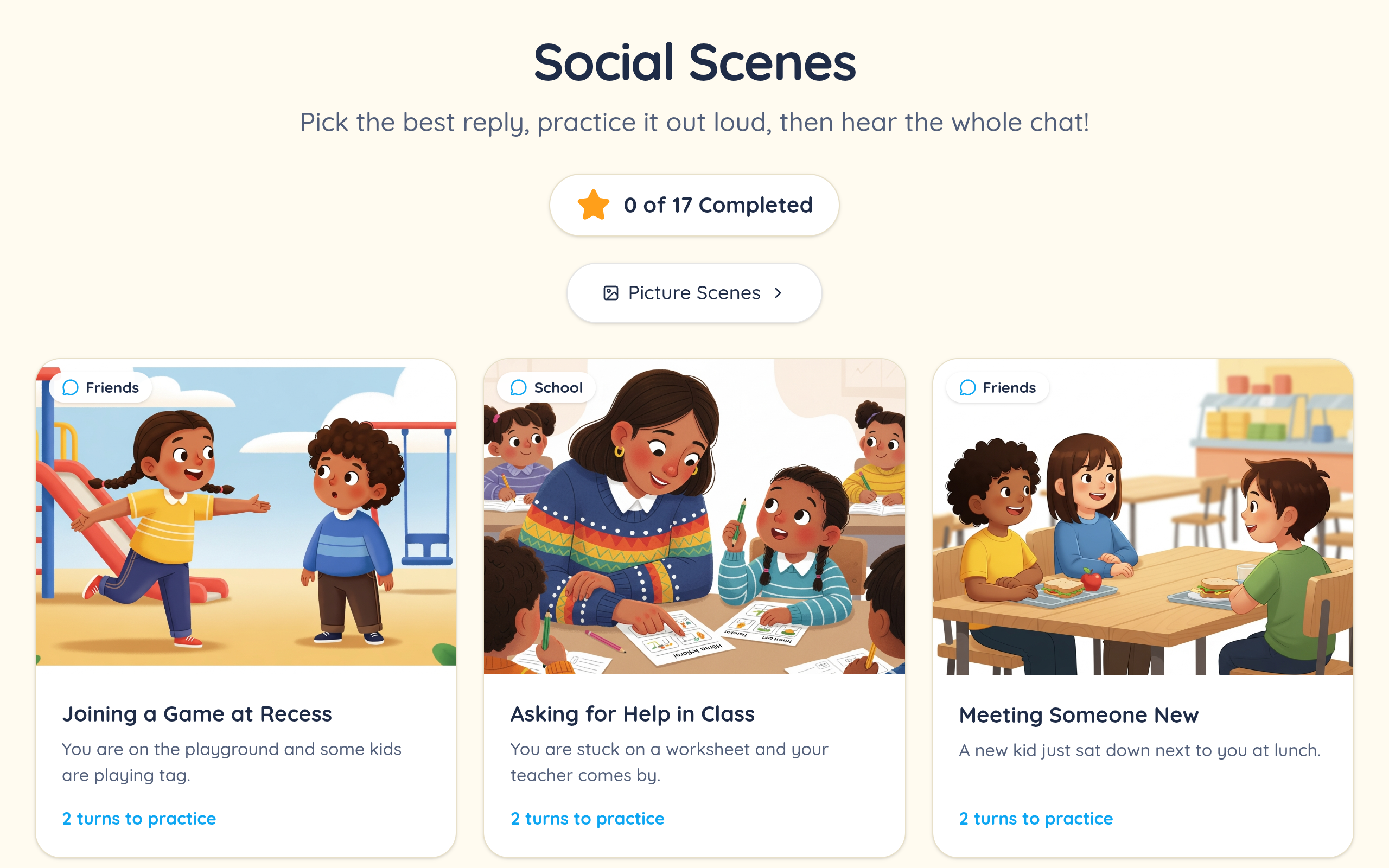
Sharing your own screen keeps you in control of the activity and works regardless of what the student is using — helpful with younger children, unreliable home devices, or anyone who cannot navigate to a link unaided. The cost is interaction: the student is directing you rather than doing it themselves, and remote-control features in video platforms are inconsistent enough that most clinicians stop relying on them.
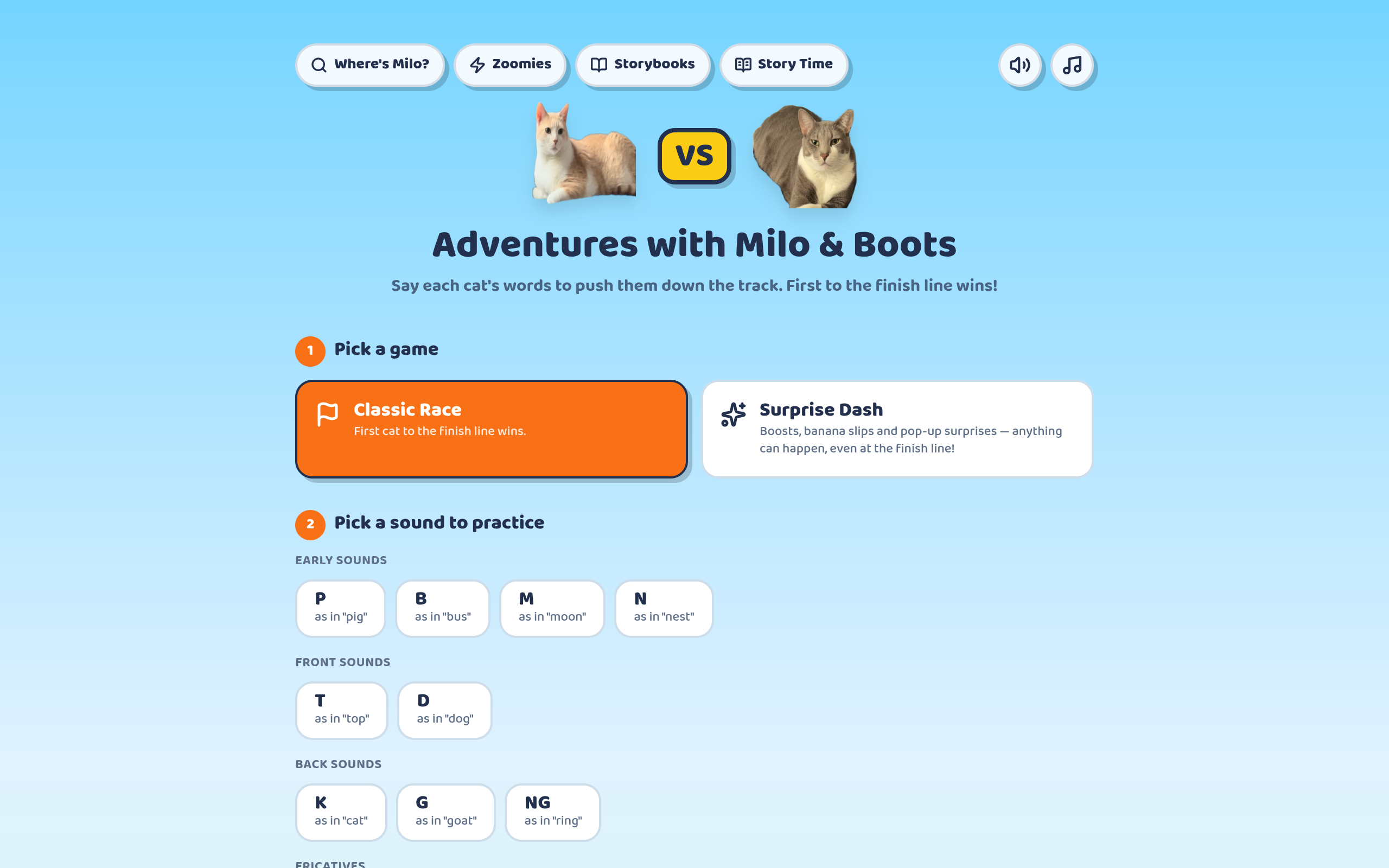
Having the student open the game on their side restores the hands-on part, which matters a great deal for engagement and for anything requiring a microphone. The cost is that you can no longer see exactly what they see, so you are working from their face and their audio rather than the screen.
The practical answer for most caseloads is both, chosen per student. Screen-share for the young and the technically fragile; student-side for anyone who can manage it, because doing beats watching.
Audio Is the Thing That Breaks
The recurring teletherapy problem is not video, it is sound. Screen-sharing a tab with game audio requires the share-audio option to be ticked, and it is easy to forget — a silent game confuses a child far more quickly than a frozen one.
Judging articulation over compressed audio is genuinely harder than in person. Video platforms apply noise suppression and aggressive compression tuned for intelligibility rather than fidelity, which can smooth over exactly the distortions you are listening for. Headphones on your end help; asking the family to use a wired connection where possible helps more.
For sounds where the acoustic detail matters, our pronunciation-scoring activity records on the student's own device rather than through the call, which sidesteps the compression problem entirely.
Setting Families Up Once
The single highest-value thing in a teletherapy caseload is a first session spent on setup rather than therapy. Get the family logged in, confirm the browser works, check the microphone permission, and bookmark the page — that quarter of an hour buys back a minute or two from every subsequent session.
Because there is nothing to install, that setup is unusually short. An account and a bookmark is the whole of it, and it survives the family switching between a tablet and a laptop.
For carryover, a link is the lowest-friction home practice you can assign. No printing, no lost worksheet, and the same activity you used in session.